
Getting Started
The API of Carrier Connect is designed to make your shipping process as seamless as possible.
Our flexible API covers simple and complex shipping scenarios, giving you the ability to integrate your shipping processes with any carrier of your choice.
Overview available carrierFor available carriers please refer to our System Description Multi-Carrier-Management.
How to use this Guide
Our API Guide has two important sections:
Guides
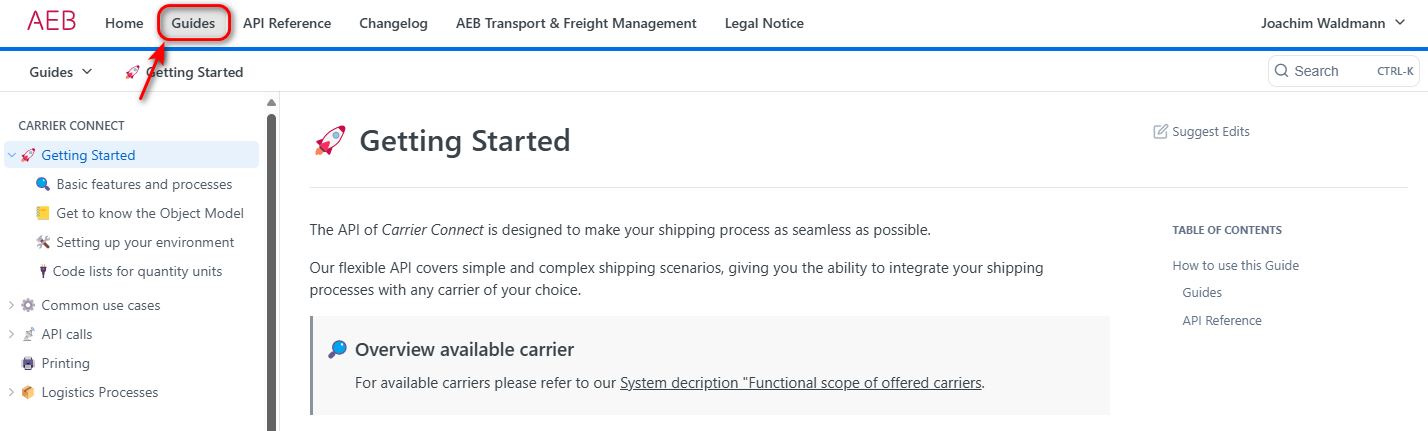
The Guides tab contains everything you need to integrate Carrier Connect into your system via API requests. Start with the Getting Started section to learn the basics.
API Reference
You will find every available API call under API Reference:
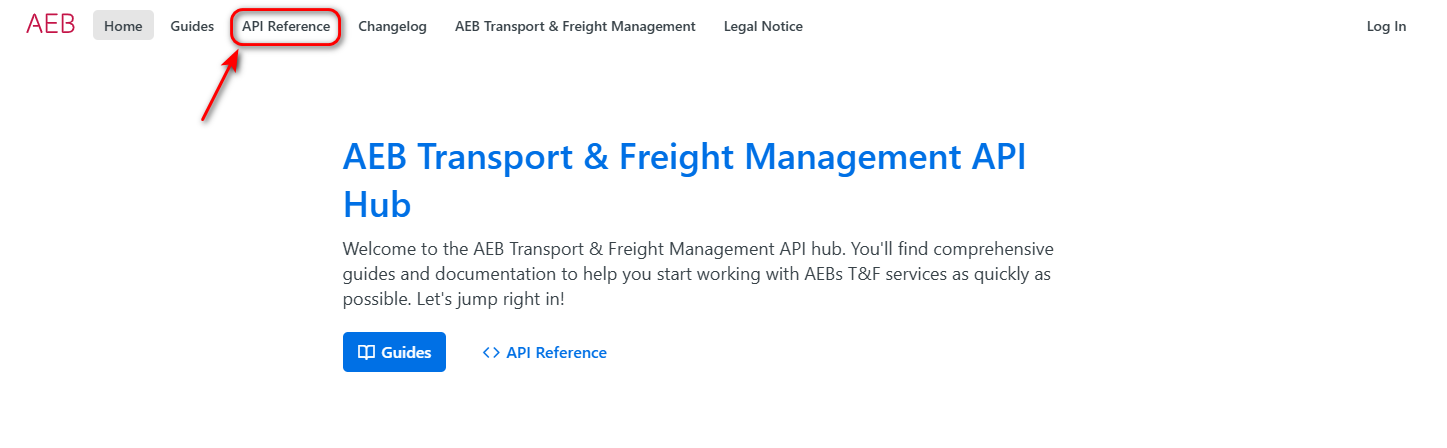
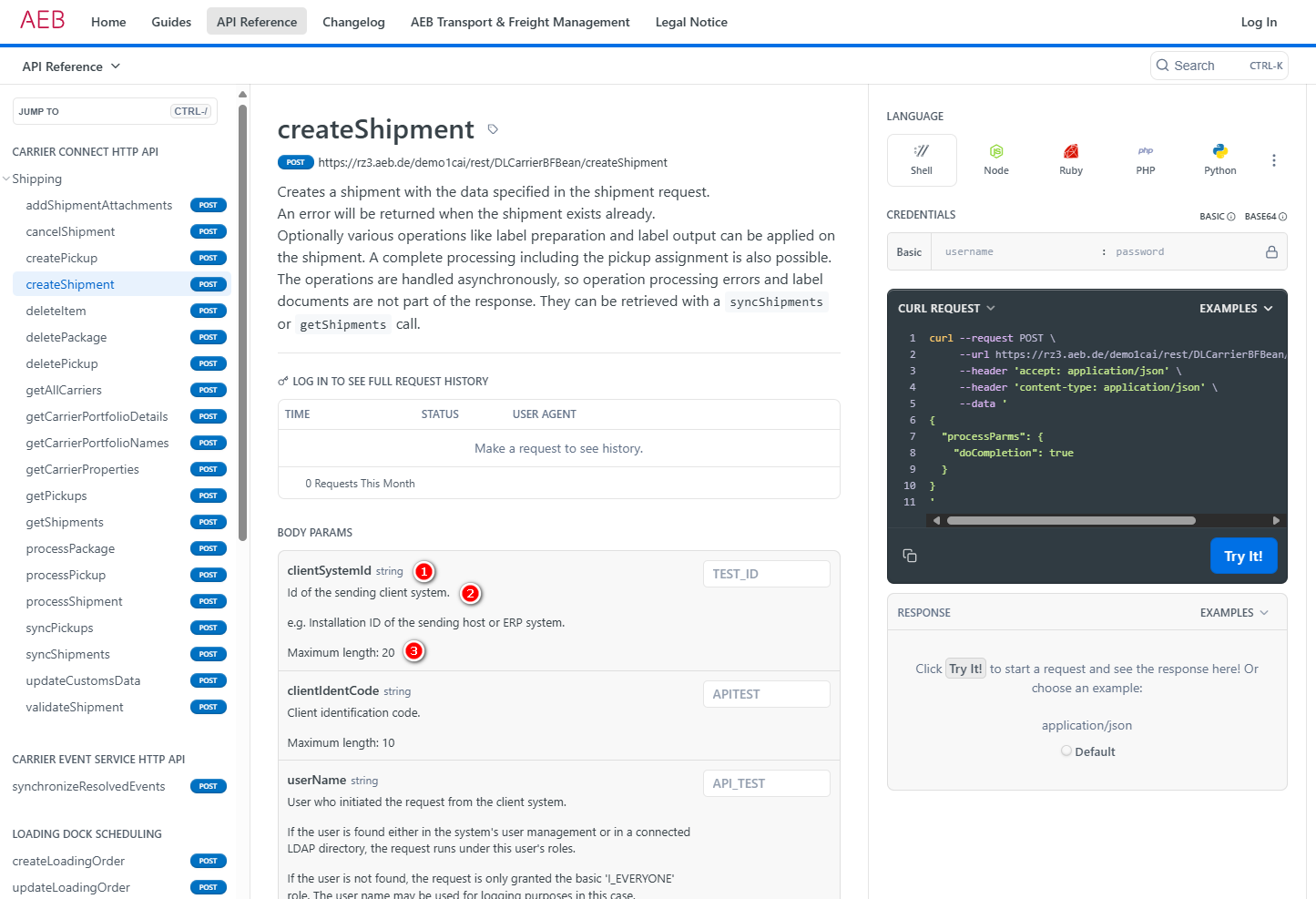
On the left, you’ll find a list of API calls organized by software component (e.g., Carrier Connect).
The center panel provides details about the selected API call, including its function and field descriptions. For each field, you’ll see:
- Name and type
- Usage description
- Maximum length
Where to start
Work through Getting Started in order — each page assumes the one before it.
| # | Page | What you get |
|---|---|---|
| 1 | Basic features and processes | What Carrier Connect does, and the four steps of the shipping process |
| 2 | Get to know the Object Model | Shipping order and pickup — the two objects the API works with |
| 3 | Setting up your environment | Credentials, systems, endpoints, and your first authenticated call |
| 4 | Carrier Connect API Essentials | The request envelope, the response model, async behaviour, the call order |
After that, continue with The First Shipment for a complete, copy-paste createShipment call.
Updated 3 months ago